
Cape Primary School
Advice for Parents
There is so much information out there to help parents to keep children safe online. Here are just a few links to websites and information that can help you:
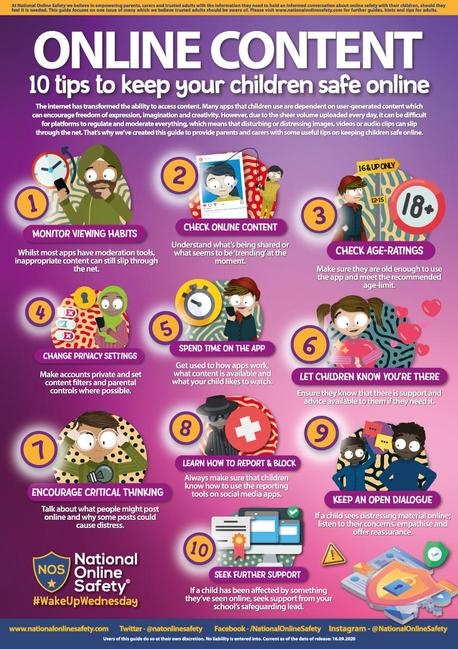
8 Top Tips for keeping your child safe online:
- Enjoy going online together
- Establish clear boundaries
- Supervise your child's use
- Consider the quality and quantity of online activities
- Make use of parental tools
- Start the conversation early
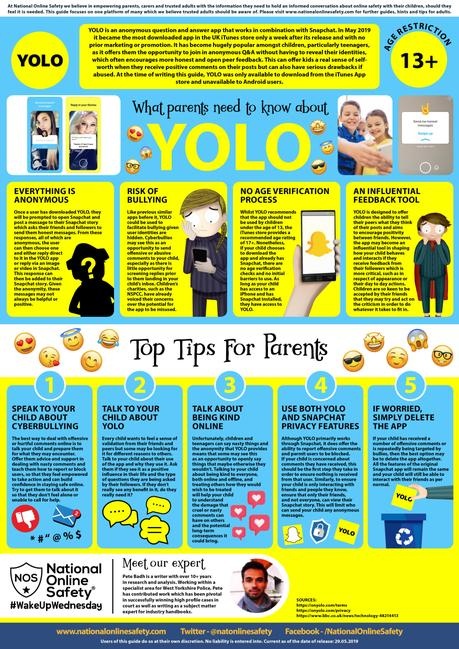
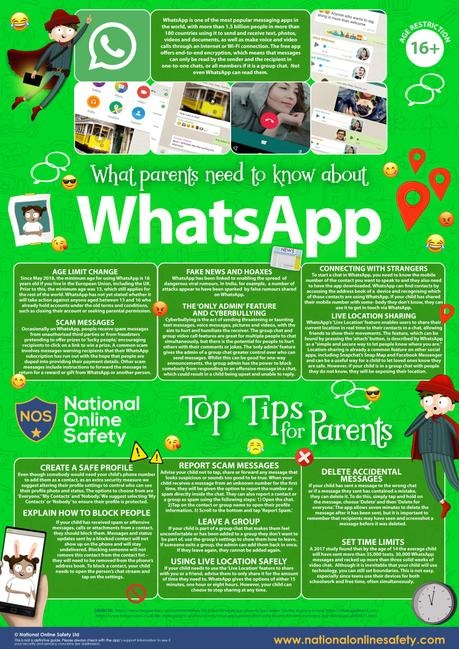
- Choose age appropriate apps and games
- Know where to report
Childnet International
Childnet International has advice on key topics
- Click on the link to read about lots of key topics
- Supporting children with special educational needs online
- Keeping under fives safe online
NSPCC
NSPCC links - click on the link for specific information about:
- Key topic links
- Setting parental controls
- Internet connected devices
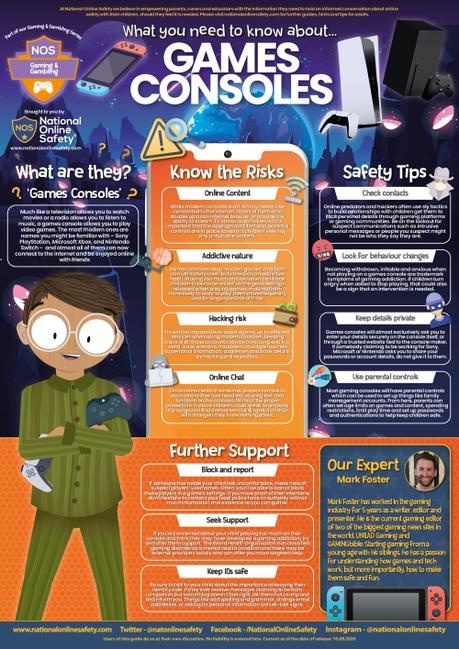
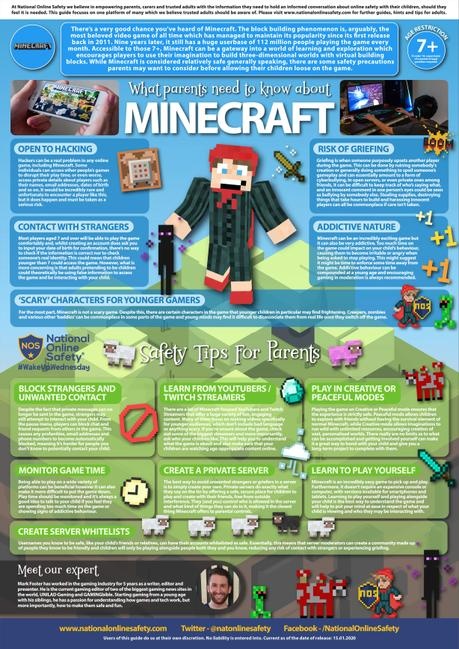
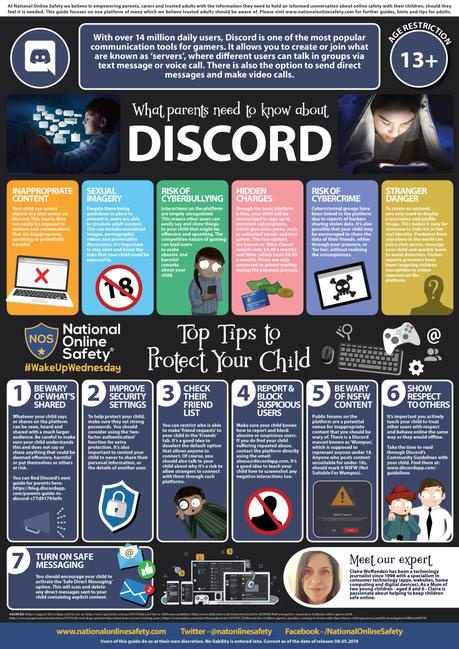
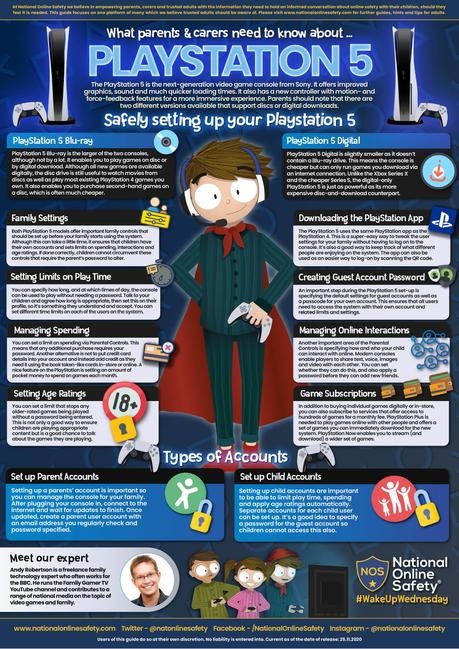
- Online games
- Video and live streaming
- Talking to your child about online safety
Thinkuknow
- If you are concerned about your child online
- How to report an incident
- Advice for parents
- Helping young children
- Supporting 8-10 year olds
- Gaming - what should parents know
InternetMatters
Internetmatters has a range of helpful information for parents with children of different ages click on the links for the relevant age groups:
- 0-5
- 6-10
- 11-13
- Setting parental controls - help and support for setting parental controls for specific devices or broadband providers
- A guide to buying technology for your child
- Online safety issues
- https://www.youtube.com/watch?v=7ET9McW9qjc
- Parents Protect - We Help Parents and Carers Protect Children from Sexual Abuse and Exploitation
Safer internet day 2026- https://saferinternet.org.uk/safer-internet-day/safer-internet-day-2026/top-tips-for-parents-and-carers
Top Tips for parents and carers
For parents and carers
AI technology is increasingly part of all our lives, so this Safer Internet Day we are starting a conversation about how to use it safely and responsibly. Use these top tips to help keep you and your loved ones safe online.
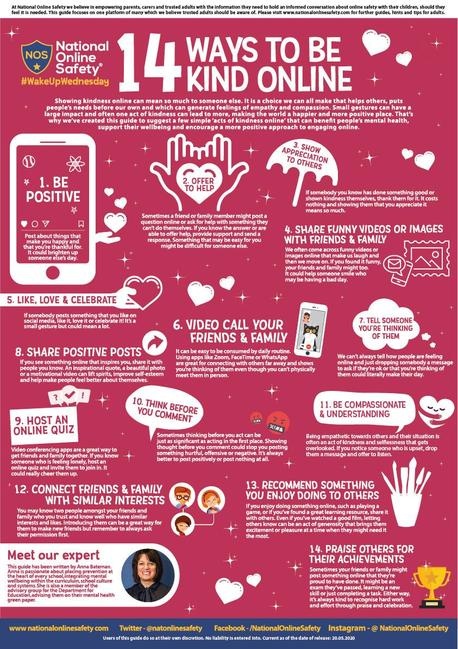
Enjoy going online together and talk regularly about your family’s online lives
The internet is amazing and can help us all to access information and entertainment. Spend time online with your child to understand how they are using technology and talk together about the good and the bad parts of being online. Talk about your own experiences and find other opportunities to get the conversation started, like stories in the news. Make sure your child knows they can talk to you about anything that they see or experience online.
Understand where AI technology is being used and the impact it can have
From summaries on search engines, to voice assistants and photo editing tools, AI powered features are being added to many of the apps and devices we use day-to-day. Look out for information and warnings notifying you where AI technology is in use or where content has been created using AI. Help your child to recognise these too. Remember, AI can make some tasks simpler but may also collect data about you and your family, or share unreliable information, so consider how to use it safely and responsibly.
Recognise what safe and responsible use of technology looks like
To use technology, including AI, safely and responsibly, it’s important to reflect on the potential impact it can have on yourself and others. How does your use of technology make you feel? How can you use technology with kindness and respect for others? Does your use of technology benefit you or help you build skills? How might it affect you now, and in the future? Ask these questions of your own internet use, as well as your family’s.
Stay informed with free resources
Young people have told us about the incredible ways they’re using AI, but also about their worries for what it means for the future. Issues such as the environmental impact of AI, what it means for job prospects, and the threat of deepfakes can seem scary but remember, you don’t need to have all the answers. Stay informed using free resources like those produced for Safer Internet Day and talk to your child about their concerns about new technology – you can always work together to find more information.
Know where to go for help if something goes wrong
Like any technology, using AI comes with risks. Some AI tools, like ChatGPT, have built-in reporting features where you can raise issues such as inappropriate or harmful content. Many social media platforms also allow you to report content you suspect has been created with AI. Additionally, AI generated content can break the law. If you see illegal images that show child sexual abuse (including AI generated images), you should report these to the IWF and on the platform where they are being shared. If someone creates an image of you or your child using AI these can also be reported on the platform where they are being shared, and AI generated nude images can be reported to Stop NCII (for images of adults) and Report Remove or Take It Down (for images of under 18s).
.jpg)
.png)
.jpg)
.jpg)
.jpg)

.jpg)
.jpg)
.jpg)
.jpg)
.jpg)
.jpg)
.jpg)